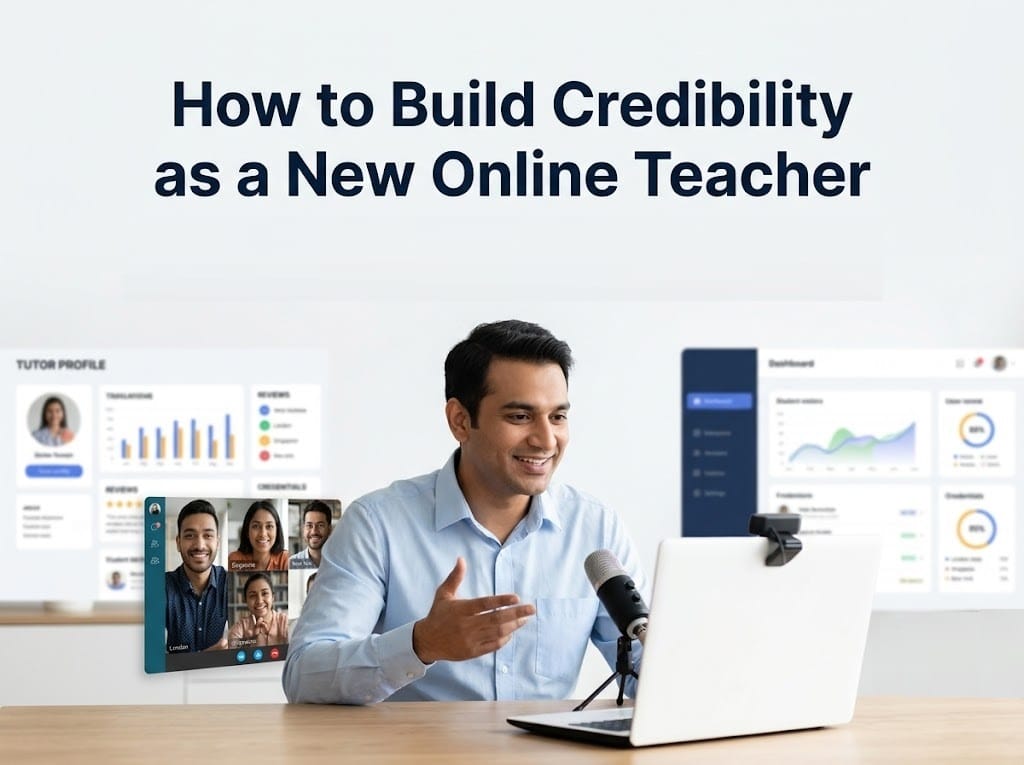
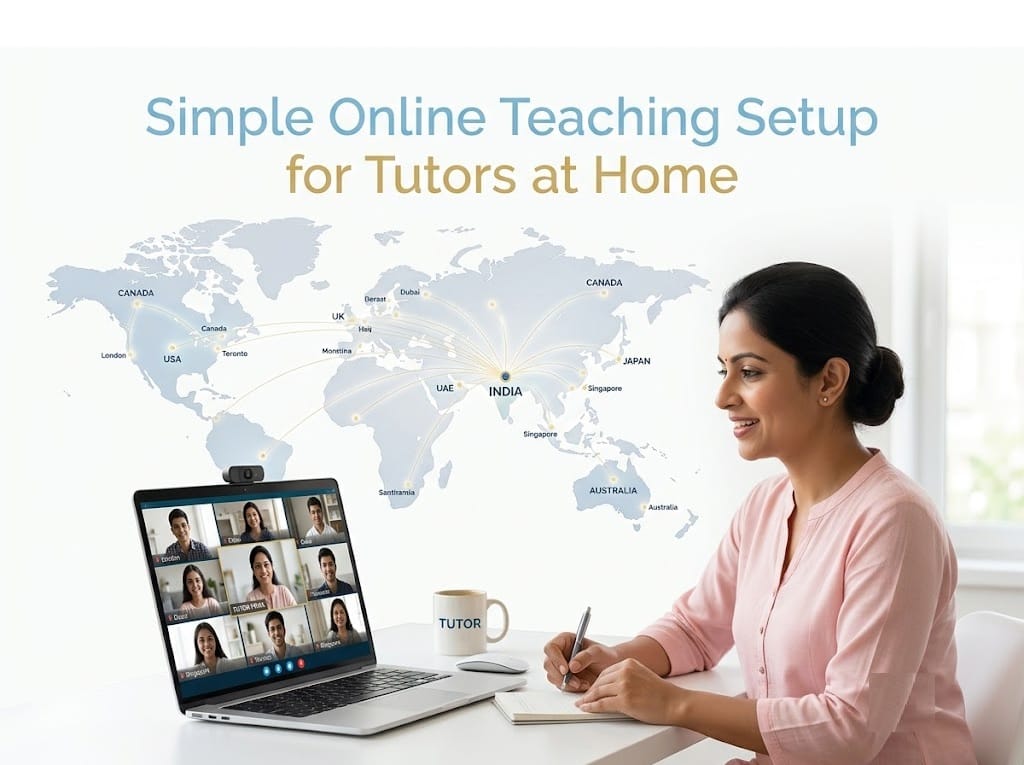
Online teaching has created new opportunities for tutors across India. Today, a teacher can conduct classes from home and connect with students not only in different cities but also in countries such as the USA, Canada, the UK, Australia, Singapore, and the UAE. A well-planned teaching setup helps deliver better lessons, improves student engagement, and creates a professional learning experience.
According to the National Sample Survey and industry reports, internet access and digital learning adoption have grown significantly in India over the last few years. At the same time, international demand for qualified Indian tutors continues to increase because of affordable pricing, flexible schedules, and strong subject expertise.
The good news is that you do not need an expensive studio or advanced equipment to start teaching online. A simple, organized workspace with the right tools can help you build a successful online tutoring career.
Why Your Online Teaching Setup Matters
Students and parents judge an online class within the first few minutes. Clear audio, good lighting, and a distraction-free environment create confidence and help students focus on learning instead of technical problems.
Research published in educational technology journals has consistently shown that audio quality has a greater impact on student satisfaction than high-definition video. Students can tolerate average video, but unclear sound often reduces learning effectiveness.
A professional setup also offers several advantages:
-
- Better communication during lessons
- Higher student engagement
- Fewer class interruptions
- Improved learning outcomes
- Greater parent confidence
- Stronger tutor reputation
- More referrals from satisfied families
How to Build Credibility as a New Online Teacher
Choose a Quiet Teaching Space
Find a Dedicated Room or Corner
You do not need a large room. Even a small, well-organized corner can become an effective classroom.
Look for a place that is:
-
- Quiet during class hours
- Free from television and household noise
- Well ventilated
- Comfortable for long teaching sessions
If possible, inform family members about your class schedule to minimize interruptions.
Keep the Background Clean
A simple background looks more professional than a cluttered room.
Good background ideas include:
-
- Plain white or light-colored wall
- Bookshelf
- Minimal study table
- Simple curtain
Avoid distracting decorations, moving people, or excessive items behind you.
Invest in a Reliable Internet Connection
A stable internet connection is the backbone of online teaching.
For smooth video classes, many platforms recommend download and upload speeds of at least 10 Mbps, although higher speeds provide a better experience when using screen sharing, digital whiteboards, or multiple devices.
Whenever possible:
-
- Use broadband or fiber internet.
- Keep a mobile hotspot ready as a backup.
- Test your internet before every class.
- Restart your router occasionally for better performance.
A backup internet connection can prevent cancelled classes and maintain your professional reputation.
Best Strategies for Student Enquiries for Online Tutors
Use a Laptop Instead of a Mobile Phone
While smartphones are useful for emergencies, laptops provide a much better teaching experience.
Benefits of Teaching from a Laptop
-
- Larger screen for presentations
- Easier screen sharing
- Better document management
- Simultaneous use of multiple applications
- Faster typing
- Improved lesson planning
If you teach mathematics, science, coding, or languages, a laptop makes demonstrations much easier.
Focus on Clear Audio
Students must hear every explanation clearly.
A simple USB microphone or headset with noise reduction often delivers much better sound than a built-in laptop microphone.
Tips for Better Audio
-
- Close nearby windows if traffic noise is high.
- Turn off fans aimed directly at the microphone.
- Mute notifications during class.
- Test your microphone before every session.
Clear communication reduces misunderstandings and keeps students engaged.
Improve Your Lighting
Good lighting makes you look confident and professional.
Natural light from a window works well during the day. Sit facing the window instead of placing it behind you.
If natural light is unavailable, use:
-
- LED desk lamp
- Ring light
- Soft white lighting
Avoid strong lights behind your head because they create shadows and reduce video quality.
Position Your Camera Correctly
Place the camera at eye level.
Students connect better when they can clearly see facial expressions and eye contact.
Keep the camera stable and avoid constantly adjusting the laptop during class.
Look into the camera while explaining important concepts instead of watching your own video window.
Keep Essential Teaching Tools Ready
Digital Whiteboard
Many online platforms include built-in whiteboards.
You can also use writing tablets to solve mathematics and science problems naturally.
Presentation Software
Prepare notes using:
-
- PowerPoint
- Google Slides
- PDF notes
Visual learning often improves student understanding and retention.
File Organization
Create separate folders for:
-
- Lesson plans
- Worksheets
- Homework
- Practice papers
- Student reports
Good organization saves time before every class.
What Makes a Tutor Profile Stand Out in Online Searches
Use Online Teaching Platforms Effectively
Popular video meeting platforms provide useful features such as:
-
- Screen sharing
- Chat
- Recording
- Whiteboard
- File sharing
- Breakout rooms
Before teaching, learn how to use these features confidently. Students appreciate smooth classes without technical delays.
Keep Backup Equipment
Unexpected problems can happen.
Maintain backups such as:
-
- Mobile hotspot
- Laptop charger
- Extension board
- Mouse
- Headphones
A small investment in backup equipment can prevent cancelled classes.
Maintain Professional Appearance
Students and parents appreciate tutors who present themselves professionally.
Wear neat, comfortable clothing suitable for teaching.
Sit with good posture and maintain positive body language throughout the lesson.
Professional appearance helps build trust, especially during demo classes.
Prepare Before Every Class
Successful tutors rarely begin teaching without preparation.
Create a Lesson Plan
Spend a few minutes planning:
-
- Learning objectives
- Topics to cover
- Examples
- Activities
- Homework
Preparation keeps classes organized and improves student confidence.
Test Everything
Five minutes before class:
-
- Check internet speed.
- Test microphone.
- Open presentations.
- Close unnecessary applications.
- Keep study material ready.
These simple habits reduce stress and improve class quality.
How to Build a High-Converting Online Tutor Profile That Gets Enquiries
Reduce Distractions During Lessons
Turn off:
-
- Mobile notifications
- Social media alerts
- Email pop-ups
- Background music
Students notice when tutors are distracted.
Your complete attention encourages better participation and creates a positive classroom atmosphere.
Create an Engaging Learning Environment
Online classes should be interactive rather than one-way lectures.
Encourage students to:
-
- Ask questions
- Solve problems
- Explain answers
- Participate in quizzes
- Share their understanding
Educational research consistently shows that active participation improves knowledge retention more effectively than passive listening.
Protect Student Privacy
Always maintain professionalism while teaching online.
Avoid sharing personal information unnecessarily.
Store student records securely and use trusted online teaching platforms.
If recording classes, inform parents or students beforehand and follow the platform’s privacy settings.
Continue Improving Your Setup
Your teaching setup will naturally improve over time.
As your student base grows, you may gradually invest in:
-
- Better webcam
- Writing tablet
- External monitor
- Professional microphone
- Adjustable chair
- Faster internet plan
Upgrade only when necessary. Many successful tutors started with basic equipment and improved their workspace gradually.
My Thoughts
A successful online teaching setup is not about owning expensive technology. It is about creating a comfortable, organized, and reliable learning environment where students can focus without distractions. Good audio, stable internet, proper lighting, thoughtful lesson planning, and professional communication together create an excellent learning experience.
Parents today often compare multiple tutors before making a decision. A well-prepared online classroom helps you stand out, build trust, and receive positive recommendations from satisfied students.
If you want more parents and students to discover your teaching services, creating a professional online presence is equally important. Registering as a tutor on IndiaTutor.in allows you to showcase your qualifications, subjects, experience, teaching mode, and contact details in one place. Your profile can be found by parents searching for tutors in India and abroad, helping you increase your visibility, receive direct enquiries without commissions, and grow your online tutoring career with confidence.
Want to Teach Students in India and Abroad?
Register your Tutor Profile on IndiaTutor.in
About the Author
Nidhi Mehta is the founder of IndiaTutor.in and a professional online educator with over 11 years of teaching experience. She specializes in tutoring Classes 1 to 6 across core academic subjects, with a strong focus on concept clarity and foundational skill-building. Her teaching approach is based on personalized, one-to-one learning that helps students develop long-term academic confidence and understanding.